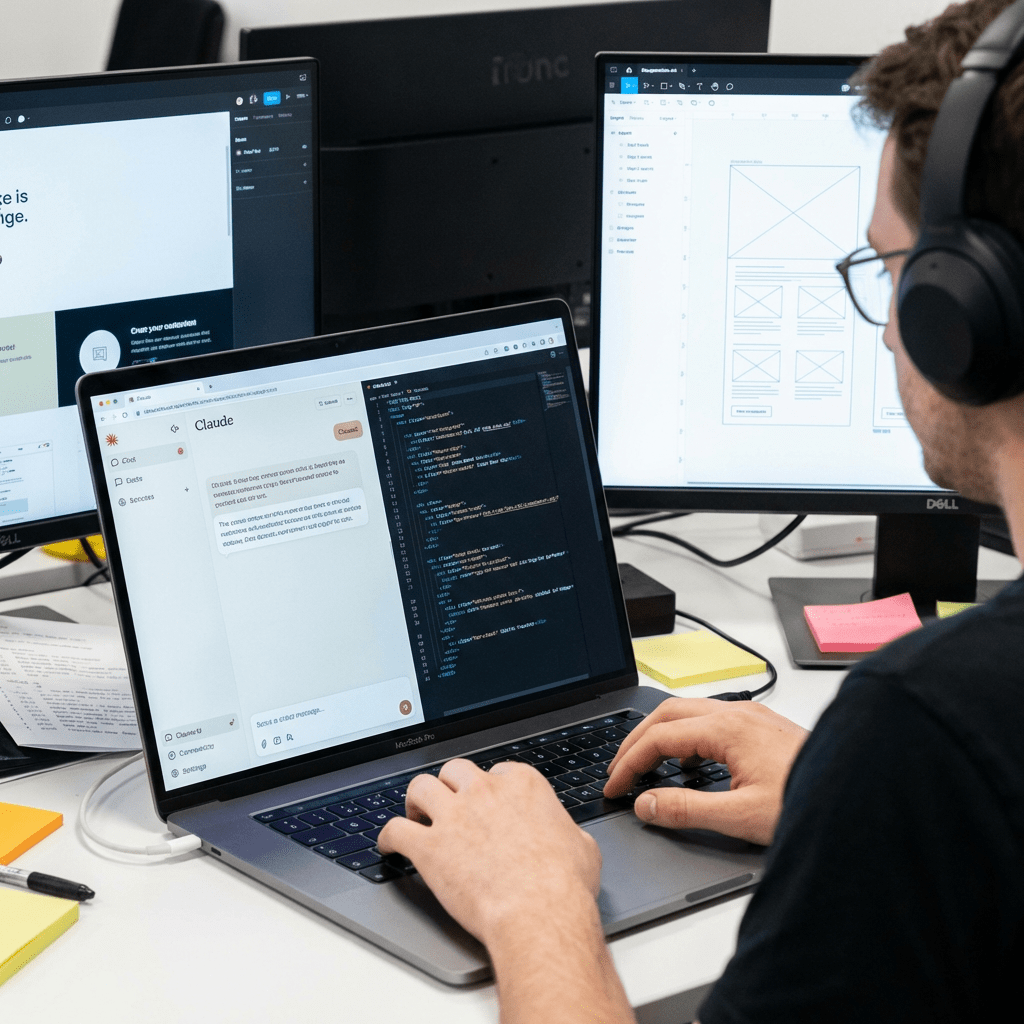
As a small business owner, you don’t have time to learn web design or hire expensive developers. The good news? You don’t have to. Claude Code is an AI tool that can build and manage your WordPress website for you — just by having a conversation with it.
Here’s how to get started in a few simple steps.
What Is Claude Code?
Claude Code is an AI assistant made by Anthropic. You tell it what you want — in plain English — and it gets it done. It can write content, create pages, update your site, and even connect directly to your WordPress.com account to make changes on your behalf.
Think of it as a virtual assistant that’s always on, costs a fraction of a developer, and never needs a brief twice.
Step 1: Get Claude Code
Download the Claude Code desktop app from claude.ai/code — it’s available for Mac and Windows. Sign in with a free Anthropic account and you’re ready to go. No coding required.
Step 2: Connect It to Your WordPress.com Site
Once Claude Code is open, type /mcp and select WordPress.com from the integrations list. Log in with your WordPress.com account when prompted. That’s it — Claude can now read and update your website directly.
Note: You’ll need a paid WordPress.com plan to enable this connection.
Step 3: Tell Claude What You Need
This is where it gets powerful. Just describe your business and what you want your website to do. For example:
“I run a cleaning business. Create a homepage with a short intro, a list of services, and a button to get a free quote.”
Claude will build it as a draft so you can review before anything goes live. You can also ask it to:
- Write an About page that tells your story
- Create a Services page with your pricing
- Write blog posts to help you show up on Google
- Update your contact details or opening hours
Step 4: Review and Publish
Everything Claude creates is saved as a draft first. You review it, make any tweaks you want, and hit publish when you’re happy. If something isn’t quite right, just tell Claude and it will fix it.
Keep Your Site Fresh Without the Effort
Once your site is live, Claude Code can keep helping. Ask it to write new blog posts, update your services, or add a promotion. Your website stays current without you having to log into WordPress every week.
Not Sure Where to Start? I Can Help.
Setting up a new tool takes time — and time is the one thing most small business owners don’t have. If you’d rather have someone handle the setup for you, I’m available to help get your WordPress site up and running quickly using Claude Code.
Get in touch with me at damienmlim@gmail.com and let’s talk about what your business needs.
 Automate Your Work
Leave a comment